How to Download Champion Poker and Play from Canada

Is Champion Poker Available to Download in All Canadian Provinces?
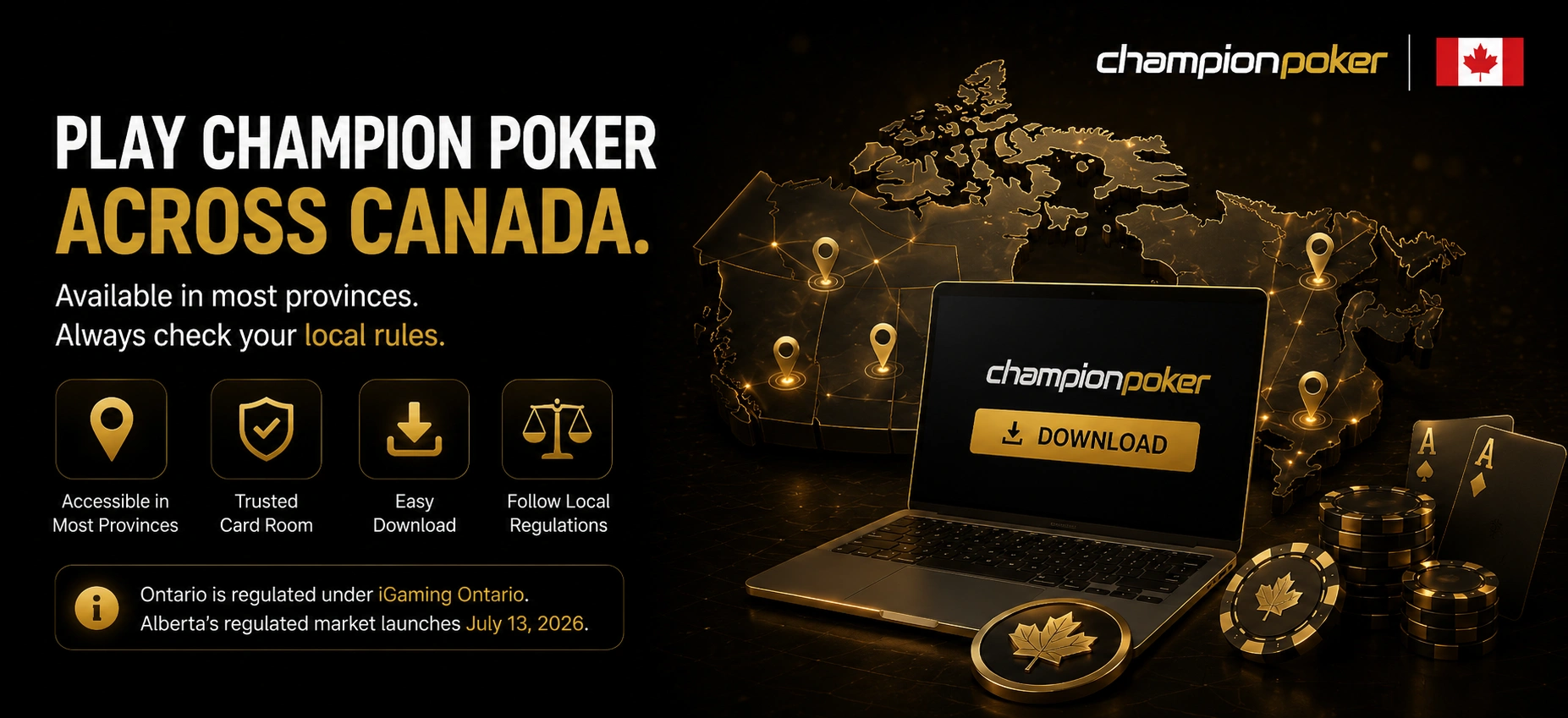
Champion Poker download availability in Canada depends on provincial gambling frameworks because local authorities regulate online gaming separately. Access remains technically available across British Columbia, Quebec, Manitoba, Saskatchewan, Alberta, Nova Scotia, Prince Edward Island, and Newfoundland and Labrador where offshore card room platforms remain accessible.
Ontario currently operates under the iGaming Ontario market and Champion Poker is not listed among licensed operators in that system. Alberta has officially announced a regulated gambling market launch beginning July 13, 2026, which may affect offshore platform availability in the future. Canadian users should review local conditions before registration because provincial rules can change over time.
Champion Poker download decisions should include more than province availability because device support and payment access also affect usability. Canadian users frequently compare account setup conditions before choosing software.
Canadian users often review these points before installation:
- check current provincial gambling rules;
- confirm software compatibility with your device;
- review available payment methods;
- save only official Champion Poker files.
Champion Poker Download for Windows: Full Desktop Client Guide
Download Champion Poker through the Windows client if you need access to advanced card room software tools and multi-table support. The desktop version remains the preferred option among many Canadian grinders because important functions operate only inside the PC client. Champion Poker download for Windows includes local hand history storage and compatibility with PokerTracker 4, Holdem Manager 3, and Hand2Note. Multi-table sessions and HUD tools remain among the main reasons experienced users choose desktop software. Some antivirus tools can display notifications during the first launch process, and temporary exceptions sometimes solve installer conflicts.
Windows installation follows this sequence.
- Press the button below and download Champion Poker from the official website.
- Open the software download section.
- Save the Windows installer.
- Launch the setup file and approve permissions.
- Sign into your Champion Poker account.
Champion Poker download through desktop software also provides stronger control during longer sessions. Canadian users using analytical software generally prefer desktop access over browser or mobile options.
Multi-Tabling Setup on the Champion Poker Desktop Client
Download Champion Poker through Windows if you want access to the complete multi-table environment. Canadian users can organize tournaments and cash game sessions across one monitor or larger display setups. Tile mode distributes active tables evenly across screen space while cascade mode stacks tables for faster switching. Champion Poker download for desktop users supports up to 16 simultaneous tables. Mobile software supports only 3 active tables.
Workspace preparation becomes important before increasing table volume because screen organization affects session efficiency. Canadian grinders often test layouts before beginning long sessions.
Players commonly organize sessions using these adjustments:
- resize tables according to display dimensions;
- separate cash game and tournament windows;
- reserve screen space for HUD tools;
- test tile and cascade modes before sessions.
How to download Champion Poker App on Android in Canada
Champion Poker download for Android uses APK installation because Google Play Canada does not distribute the application. This installation approach remains common among offshore card room operators because gambling software frequently faces marketplace restrictions. Canadian Android users should use only the official website when downloading installation files. Devices require temporary permission adjustments before installing applications from external sources. After setup completes, users can continue using the same account across mobile and desktop access.
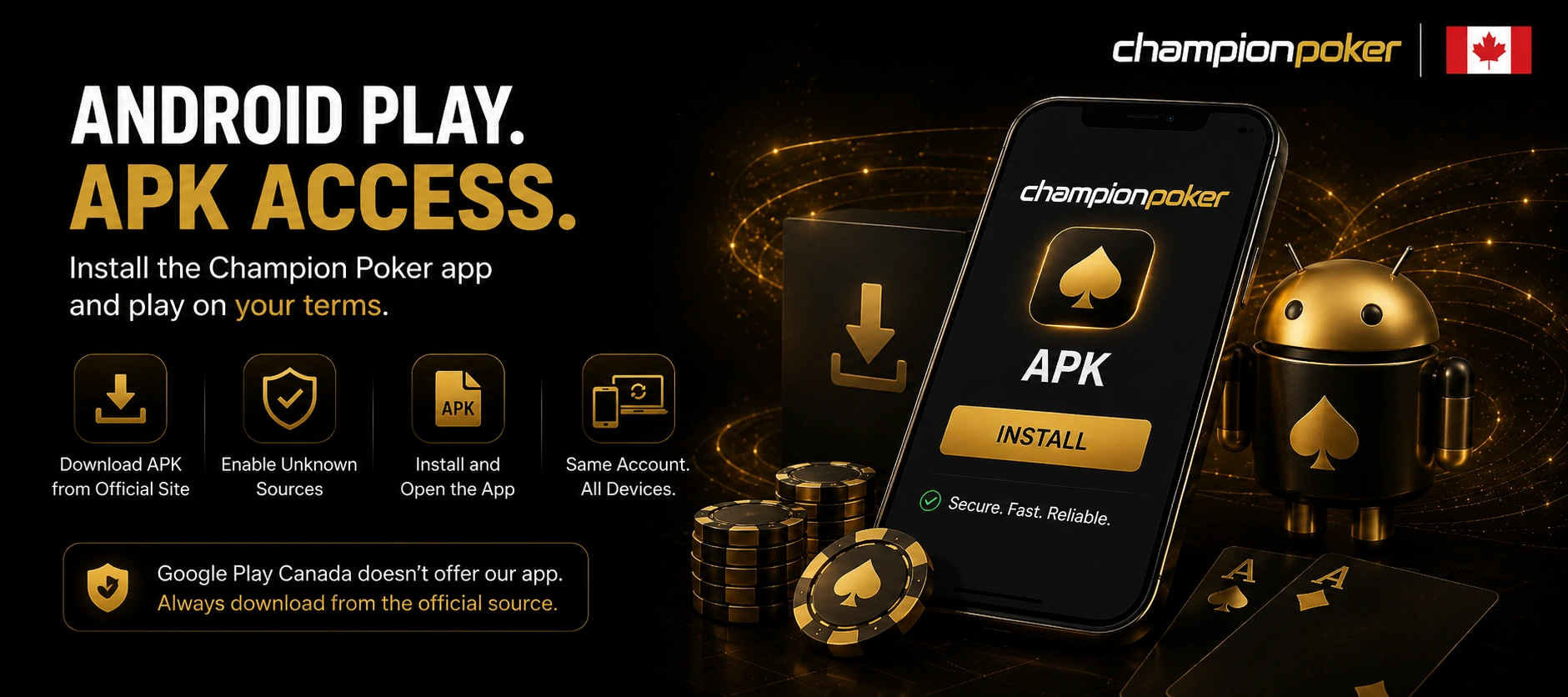
Android installation requires the following process.
- Press the button below and Download Champion Poker from the official website on your Android device.
- Save the APK installation file.
- Enable Install from Unknown Sources.
- Open the downloaded package.
- Sign into your Champion Poker account.
Champion Poker download through Android devices often becomes useful during travel or shorter sessions. Mobile access allows users to review account information and cashier settings away from desktop systems.
Browser Play for iOS and macOS Users: The Alternative to Champion Poker Download
Download Champion Poker is unnecessary for Apple devices because browser access replaces native software installation. Canadian users can open Champion Poker through Safari or Chrome on iPhone, iPad, and Mac devices. Browser play gives access to tournaments, cash tables, account tools, and game lobby sections without installation permissions. Champion Poker download alternatives for Apple systems remove local storage requirements. Stable Wi-Fi connections usually provide stronger session consistency than mobile networks.
Browser access still differs from desktop software because several functions remain unavailable. HUD tools, player notes, and expanded table flexibility are absent from browser play.
Champion Poker download alternatives often become useful for users using multiple devices. Apple users frequently choose browser play for flexibility.
Browser access works well in these situations:
- play from iPhone, iPad, or Mac devices;
- access active sessions while traveling;
- switch between several devices;
- avoid local software storage.
Setting Up Payments After Champion Poker Download: Canadian Options
Champion Poker download setup usually continues with payment configuration because Canadian users often prioritize CAD support and lower transaction costs. Skrill and Neteller support Canadian Dollar balances and remain common wallet choices among Canadian users. Champion Poker also supports cryptocurrency options including USDT TRC-20, Bitcoin, and Ethereum. Direct Interac e-Transfer integration does not currently exist. Canadian users frequently fund Skrill through Interac and then transfer balances into Champion Poker accounts.
Champion Poker download users often compare transaction methods before creating deposit routines. Wallet support and account preferences frequently affect payment selection.
Canadian users usually review these details before deposits:
- verify CAD wallet support;
- review transaction conditions;
- confirm wallet information carefully;
- review withdrawal requirements.
FAQ
Does Champion Poker support multiple devices for one account?
Yes. The platform can be used across several personal devices connected to one account profile.
Can Champion Poker work in Canada without a VPN?
Yes. Champion Poker access generally does not require VPN usage in regions where software remains available.
Can Champion Poker be installed again after replacing a computer?
Yes. Users can download the official installer again and access the same account.
Does Champion Poker support Canadian Dollar payment methods?
Yes. Platform users commonly use Skrill and Neteller because both support CAD balances.
Is Champion Poker desktop software different from browser play?
Yes. Champion Poker desktop access supports local hand history storage, HUD compatibility, and up to 16 active tables.